

sales@rebelgaming.co.za
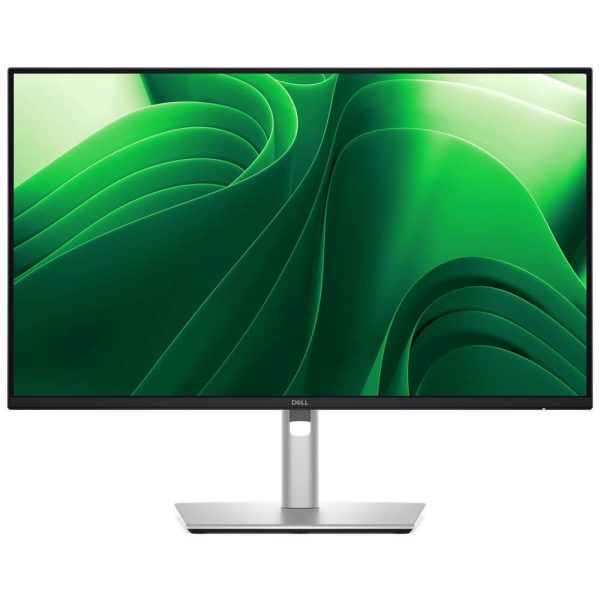
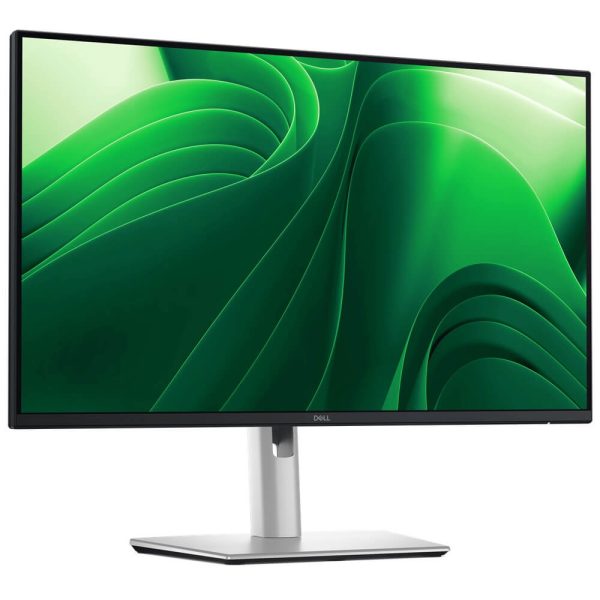
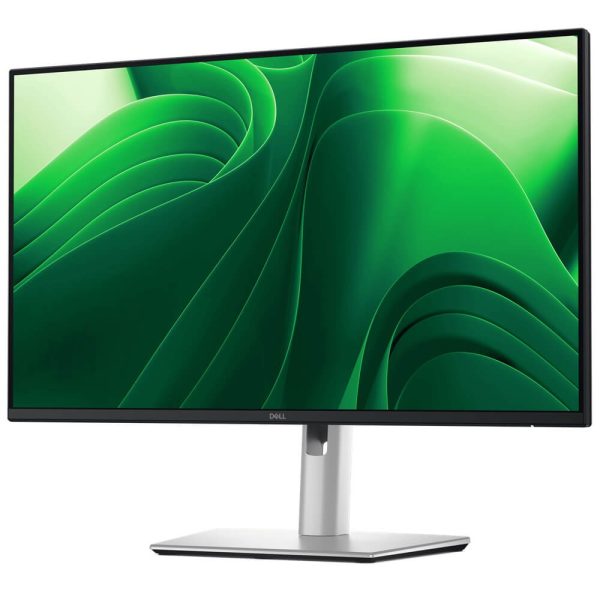
R4799.00 Incl. Vat
(Displayed price above applies to EFT / Bank Transfer payments only.)
KEY FEATURES:
– 23.8″ IPS (Anti-glare, 3H) Panel
– QHD (2560×1440) Resolution • 16:9
– 100Hz Refresh Rate
– Response Time: 5ms GtG (Fast) • 8ms (Normal)
– Brightness / Contrast: 300–350 nits typ. • 1500:1 typ.
– Colour: 99% sRGB • 1.07B/16.7M colours (region/docs vary)
– Eye-Care: ComfortView Plus (≤35% blue light) • TÜV Eye Comfort 4-Star
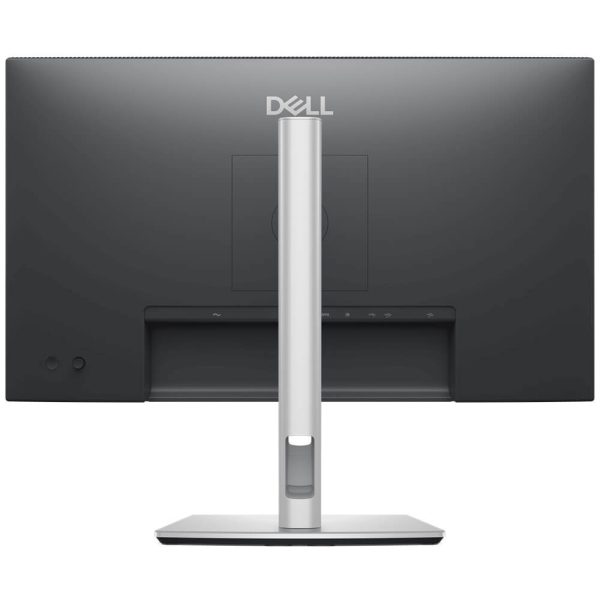
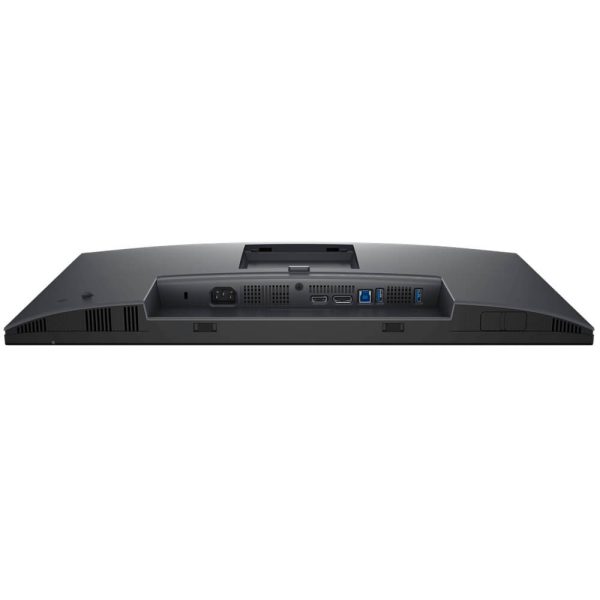
– Connectivity (video): DisplayPort 1.4 • HDMI (up to 2560×1440 100Hz)
– USB Hub: USB-B upstream • 3× USB-A (5 Gbps)
– Front pop-out USB-C (5 Gbps, up to 15 W)
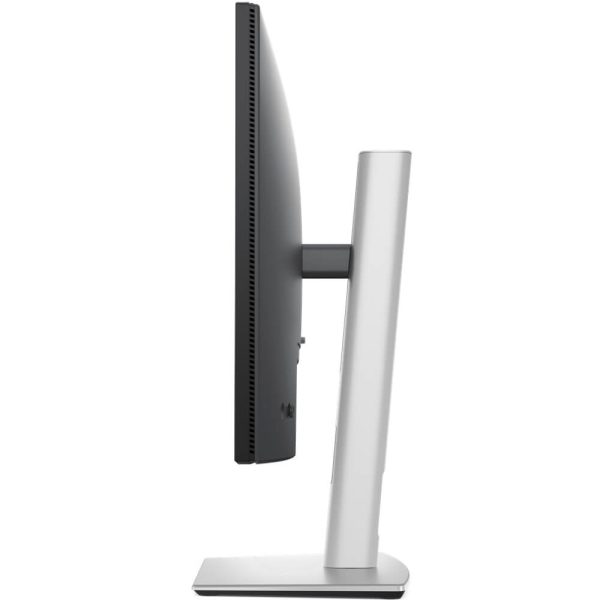
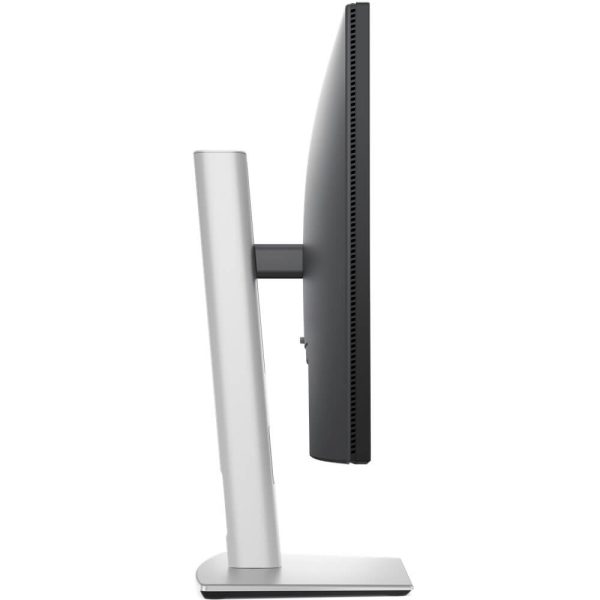
– Ergonomics: Height 150 mm • Tilt −5°~+21° • Swivel ±45° • Pivot ±90°
– Software: Dell Display & Peripheral Manager (DDPM)
– 3 Year Warranty
A sharp 24″ productivity monitor that feels faster than 60/75 Hz panels. P2425D pairs QHD clarity with 100 Hz smoothness, adds a tidy USB hub with a front pop-out USB-C (15 W) for quick plug-ins, and supports DP 1.4 & HDMI inputs. ComfortView Plus hardware low-blue light and TÜV Eye Comfort 4-Star certification help reduce eye strain over long days. Full ergonomics and DDPM software round it out.
23.8″ IPS (Anti-glare, 3H) Panel
QHD (2560×1440) Resolution • 16:9
100Hz Refresh Rate
Response Time: 5ms GtG (Fast) • 8ms (Normal)
Brightness / Contrast: 300–350 nits typ. • 1500:1 typ.
Colour: 99% sRGB • 1.07B/16.7M colours (region/docs vary)
Eye-Care: ComfortView Plus (≤35% blue light) • TÜV Eye Comfort 4-Star
Connectivity (video): DisplayPort 1.4 • HDMI (up to 2560×1440 100Hz)
USB Hub: USB-B upstream • 3× USB-A (5 Gbps) • Front pop-out USB-C (5 Gbps, up to 15 W)
Ergonomics: Height 150 mm • Tilt −5°~+21° • Swivel ±45° • Pivot ±90°
Software: Dell Display & Peripheral Manager (DDPM)
Warranty: 3-Year
Sharper workspace in the same footprint: QHD on 24″ yields crisp text and more room than 1080p without upsizing your desk.
Feels faster: 100 Hz with 5 ms (Fast) smooths scrolling, video and UI animations—noticeably nicer than 60/75 Hz.
Front-access convenience: The pop-out USB-C (15 W) and USB-A let you plug drives or charge devices instantly—no reaching behind the monitor.
All-day comfort: ComfortView Plus hardware low-blue and TÜV 4-Star eye-comfort certification reduce eye strain without yellow tinting.
Fleet-friendly: DP 1.4 + HDMI, robust adjustability, and DDPM for Easy Arrange and IT management.
| Category | Detail |
|---|---|
| Model | Dell Pro 24 Plus QHD Monitor — P2425D |
| Panel / Surface | IPS, anti-glare (3H hard coating) |
| Screen / Aspect | 23.8″ • 16:9 |
| Native Resolution / Max Refresh | 2560×1440 @ up to 100 Hz (DP & HDMI) |
| Response Time | 5 ms GtG (Fast) • 8 ms (Normal) |
| Brightness / Contrast | ≈350 nits typ. • 1500:1 typ. |
| Colour / Gamut | ~99% sRGB; up to 16.7M–1.07B colours (model/region) |
| Viewing Angles | 178°/178° |
| Eye Comfort | ComfortView Plus (hardware low-blue) • TÜV Eye Comfort 4-Star |
| Video Inputs | 1× DisplayPort 1.4 (HDCP 1.4) • 1× HDMI (supports QHD 100 Hz TMDS) |
| USB & Hub | 1× USB-B upstream (5 Gbps) • 3× USB-A (5 Gbps) • 1× USB-C front pop-out (5 Gbps, up to 15 W) |
| Adjustability | Height 150 mm, Tilt −5°~+21°, Swivel ±45°, Pivot ±90° |
| Power (typ./standby) | ~On 20–30 W class • 0.3 W standby/off (varies by region sheet) |
| Dimensions (W×H×D) | ≈ 540 × 496 (max) × 182 mm with stand (region sheets vary) |
| Weight | ~5.1 kg with stand • ~3.2 kg panel (approx.) |
| In-box (region-dependent) | USB-C↔C (front pop-out use) • USB-A↔B • DP↔DP • power cable |
| Software | DDPM (Easy Arrange, remote management) |
| Warranty | 3-Year |
| Weight | 5 kg |
|---|---|
| Monitor Brand | |
| Monitor FRAME SYNC | |
| Monitor Interface | |
| Monitor Panel Type | |
| Monitor Refresh Rate | |
| Monitor Resolution | |
| Monitor Response time | |
| Monitor Screen Size |
Reviews
There are no reviews yet.