

sales@rebelgaming.co.za
R9199.00 Incl. Vat
(Displayed price above applies to EFT / Bank Transfer payments only.)
KEY FEATURES:
– 31.5″ IPS (In-Plane Switching) Panel
– QHD (2560×1440) Resolution
– 100Hz Refresh Rate
– Response Time: 5ms (GtG, Fast) / 8ms (Normal)
– Brightness: 350 cd/m² • Contrast: 1500:1
– Colour: 99% sRGB (CIE 1931) • 1.07 Billion Colours
– Eye-Care: ComfortView Plus • TÜV Rheinland Eye Comfort 4-Star
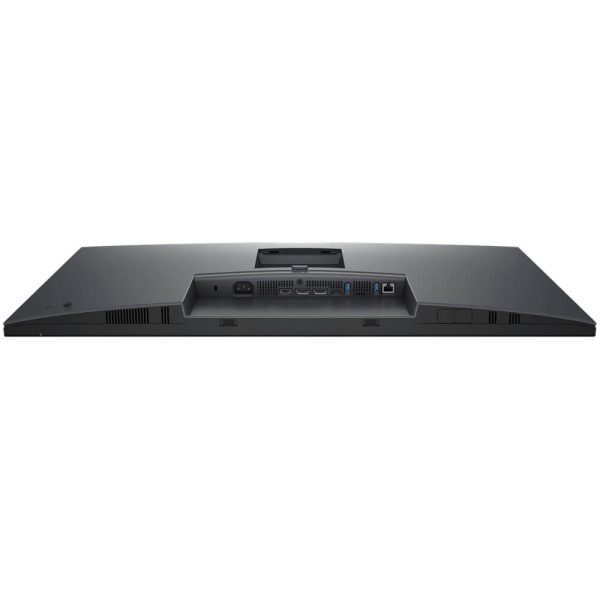
– Connectivity (video): HDMI (QHD 100 Hz TMDS), DisplayPort 1.4 (in), DisplayPort 1.4 (out, MST)
– USB-C Hub: USB-C upstream (DP 1.4 Alt-Mode + up to 90W PD)
– USB-C downstream/front pop-out (up to 15W) • USB-A (3×, 5 Gbps)
– Network: RJ45 Ethernet (1GbE)
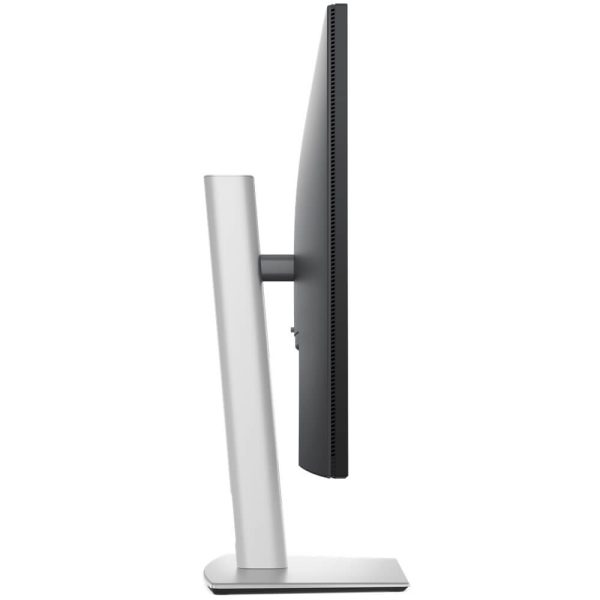
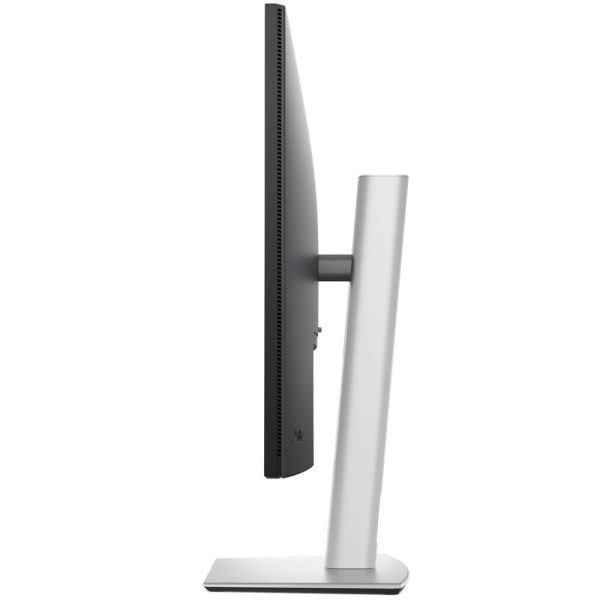
– Ergonomics: Height 150 mm • Tilt −5°~+21° • Swivel ±30° • Pivot ±90°
– In-box Cables: DP↔DP 1.4 (1.8 m) • USB-C↔C 10 Gbps 100 W (1.0 m) • USB-C↔A 5 Gbps (1.8 m)
– 3 Year Warranty
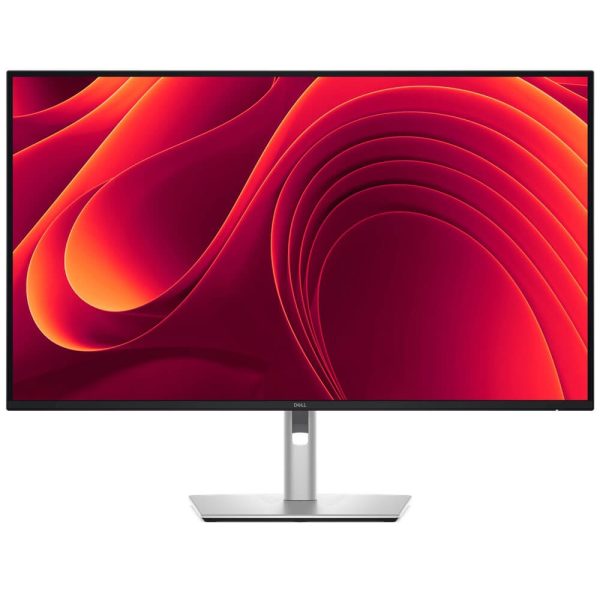
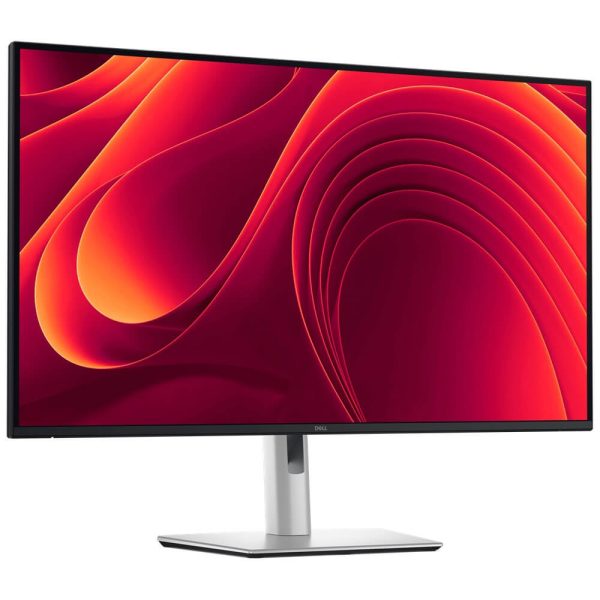
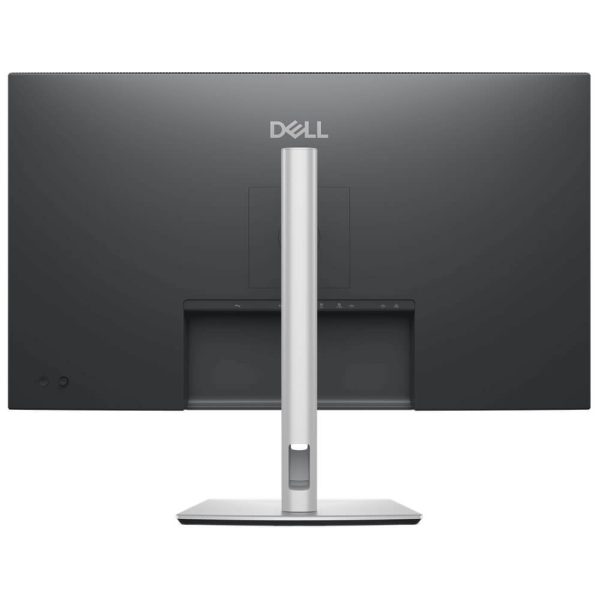
A big, sharp 32″ desk monitor that also replaces your dock. P3225DE runs QHD at up to 100 Hz on an IPS panel with 99% sRGB, 350 nits and 1500:1 contrast. One cable to your laptop via USB-C carries video/data and up to 90 W power, while RJ45 (1GbE) adds wired network. You also get DP-out (MST) for daisy-chaining a second display and quick-access pop-out USB-C (15 W) + USB-A on the bezel for easy plug-ins. Certified TÜV Eye Comfort 4-Star with ComfortView Plus.
31.5″ IPS (In-Plane Switching) Panel
QHD (2560×1440) Resolution
100Hz Refresh Rate
Response Time: 5ms (GtG, Fast) / 8ms (Normal)
Brightness: 350 cd/m² • Contrast: 1500:1
Colour: 99% sRGB (CIE 1931) • 1.07 Billion Colours
Eye-Care: ComfortView Plus • TÜV Rheinland Eye Comfort 4-Star
Connectivity (video): HDMI (QHD 100 Hz TMDS), DisplayPort 1.4 (in), DisplayPort 1.4 (out, MST)
USB-C Hub: USB-C upstream (DP 1.4 Alt-Mode + up to 90W PD) • USB-C downstream/front pop-out (up to 15W) • USB-A (3×, 5 Gbps)
Network: RJ45 Ethernet (1GbE)
Ergonomics: Height 150 mm • Tilt −5°~+21° • Swivel ±30° • Pivot ±90°
In-box Cables: DP↔DP 1.4 (1.8 m) • USB-C↔C 10 Gbps 100 W (1.0 m) • USB-C↔A 5 Gbps (1.8 m)
One-cable laptop docking: USB-C with up to 90 W powers your notebook while carrying video/data; RJ45 adds reliable wired network—no separate dock.
Feels smoother than 60/75 Hz: 100 Hz + 5 ms (Fast) makes scrolling, video and UI motion noticeably cleaner.
Desk-friendly access: Front pop-out USB-C (15 W) and USB-A keep drives and quick charges easy—no reaching behind the monitor.
Clean dual-monitor setup: DP-out (MST) daisy-chains a second display for a tidy two-screen workspace.
All-day comfort & accurate colour: ComfortView Plus with TÜV 4-Star eye-comfort and 99% sRGB for dependable colour.
| Category | Detail |
|---|---|
| Panel / Surface | IPS, anti-glare (3H) |
| Screen / Aspect | 31.5″ • 16:9 |
| Max resolution / refresh | 2560×1440 @ up to 100 Hz (DP & HDMI) |
| Response time | 5 ms GtG (Fast) • 8 ms (Normal) |
| Brightness / contrast | 350 nits • 1500:1 |
| Colour / depth | 99% sRGB • 10-bit (8-bit+FRC), 1.07B colours |
| Viewing angles | 178° / 178° |
| Video input / output | HDMI (supports QHD 100 Hz), DP 1.4 in, DP 1.4 out (MST) |
| USB & network | USB-C upstream (DP Alt-Mode, up to 90 W PD) • USB-C downstream (up to 15 W) • USB-A 3× (5 Gbps) • RJ45 1GbE |
| Quick-access ports | Front pop-out USB-C (15 W) + USB-A |
| Adjustability | Height 150 mm, Tilt −5°~+21°, Swivel ±30°, Pivot ±90° |
| Power delivery | USB-C upstream up to 90 W; USB-C down 15 W |
| Daisy-chain | DP-out with MST |
| Eye comfort | ComfortView Plus; TÜV Eye Comfort 4-Star |
| Warranty | 3 Year |
| Weight | 5 kg |
|---|---|
| Monitor Brand | |
| Monitor FRAME SYNC | |
| Monitor Interface | |
| Monitor Panel Type | |
| Monitor Refresh Rate | |
| Monitor Resolution | |
| Monitor Response time | |
| Monitor Screen Size |
Reviews
There are no reviews yet.